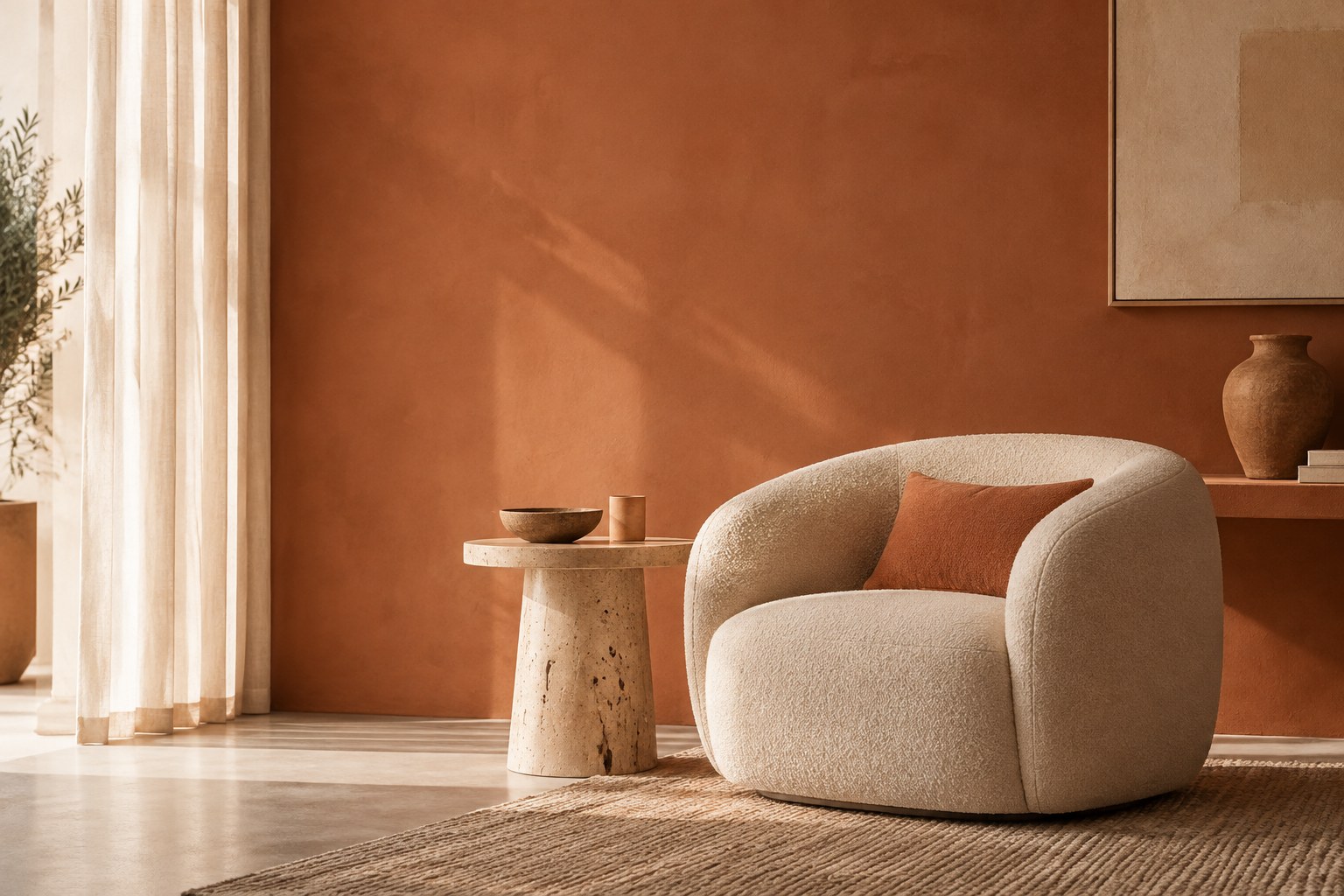
Creating mood boards is one of the most enjoyable parts of the design process because it turns abstract ideas into something tangible. Yet it can be a significant time investment. Finding the right images, balancing colors, and arranging a cohesive look can take hours. AI can make this step faster without sacrificing originality.
At a Glance
- AI is best used as a first-draft engine for mood boards, not the final curator. It generates volume and unexpected combinations; your eye makes the decisions.
- The quality of an AI board depends on the quality of the brief you feed it. Style, mood, materials, and what to exclude all belong in the prompt.
- Curate aggressively: adjust colors by hand, swap any material outside budget or brand, and merge the best elements across several AI drafts.
- Sharper prompts make sharper boards. These concept-board prompts and this prompt-engineering walkthrough are the natural companions to this workflow.
Why Traditional Mood Boards Take Time
Mood boards are more than a collection of pretty pictures. They tell the story of a space, hinting at textures, lighting, colors, and atmosphere. To build a board the traditional way, you might search dozens of websites or magazines for images, save and download files then lay them out by hand or in software, adjust colors and crop images to match your vision, and rearrange elements until everything feels harmonious.
The hidden time sink is not the arranging. It is the searching: opening tabs, saving near-miss images, scrolling past things that are almost right. Hours disappear before a single layout decision is made. That search-and-collect phase is exactly what AI compresses well, because it is pattern-matching at scale, which is what these tools do best.
How AI Tools Step In
Generative AI tools now let you start the mood board process in minutes. By analyzing vast image libraries and design trends, these tools suggest combinations that match your brief. Describe the vibe you are after, say coastal modern with warm neutrals and brass accents, and AI will generate a draft board with images, colors, and materials that fit. Because AI is not confined to your personal inspiration folder, it can surface ideas you might not have considered.
A practical routine that works for most designers:
- Brief it like a colleague. Write one sentence on style, one on palette, one on materials, and one on what to avoid. Concrete beats poetic: "walnut, bouclé, unlacquered brass" beats "cozy luxury."
- Generate three directions, not one. Ask for a main direction plus two alternatives, one lighter and one moodier. Presenting options is what clients expect from a concept round anyway.
- Pull, do not accept. Treat each AI board as a parts bin. Extract the palette from one, the material mix from another, the lighting mood from a third.
- Rebuild the final board yourself. The composition, the balance, the cropping, that is where your signature style lives. AI supplied the raw material; you made the board.
Refining AI-Generated Boards
AI delivers volume and speed, but the designer's eye still matters. Once you have an AI-generated starting point, you become the curator. Start with a clear prompt and be descriptive about style, mood, and key materials. Adjust colors manually and replace hues that do not fit your brand. Swap materials and finishes that are outside your budget or sustainability goals. Combine elements across boards by pulling your favorite elements from each.
Two quality checks before a board goes to a client: first, can every element be sourced or specified at the project's budget level? An AI board full of unattainable pieces creates expectations you cannot deliver on. Second, does the board still look like yours? Show it next to a past project and check that a stranger could tell the same designer made both. If the AI's voice is louder than yours, you pulled too little and accepted too much.
Creativity Versus Automation
Some designers worry that AI could dull their creative edge. AI handles the repetitive tasks of collecting and sorting images so you can focus on what matters. You still decide how to interpret a client's brief, which materials align with their values, and how to translate a mood board into a real space. Rather than replace creativity, AI expands it.
Think of it this way: photography did not dull painters. It freed them from portraiture and gave us impressionism. A faster concepting phase does not reduce the designer's role, it moves the designer's time toward the decisions only a designer can make: editing, sequencing, material truth, and the narrative that holds a room together.
Quick FAQ
How long does an AI-assisted mood board actually take?
Expect the first draft in minutes and a client-ready board in one to two hours, versus a half day or more the fully manual way. Most of the saved time is in image sourcing. Curation still takes as long as it takes, and should not be rushed.
Can I show AI-generated images directly to clients?
Use them as directional references with a clear caveat, not as representations of the final design. Clients anchor to images fast; label AI imagery as "inspiration direction" so no one mistakes a generated room for a promised one. The final board should be composed of real, specifiable elements.
Does using AI make my boards look like everyone else's?
Only if you stop at the first draft. The first AI output is the average of its training data, which is exactly what average looks like. Your curation, your material knowledge, your client insight, is the differentiation. Generate more than you need and edit harder than you think you need to.
Ready to Save Time on Concepting?
If building mood boards is eating into your schedule, imagine what else you could delegate. At Creo, we handle drafting, documentation, concept and schematic presentations, and other production tasks, allowing you to stay focused on design. Let us discuss what that could look like for your studio.
Ready to work with a studio that moves at your pace?
Get In Touch