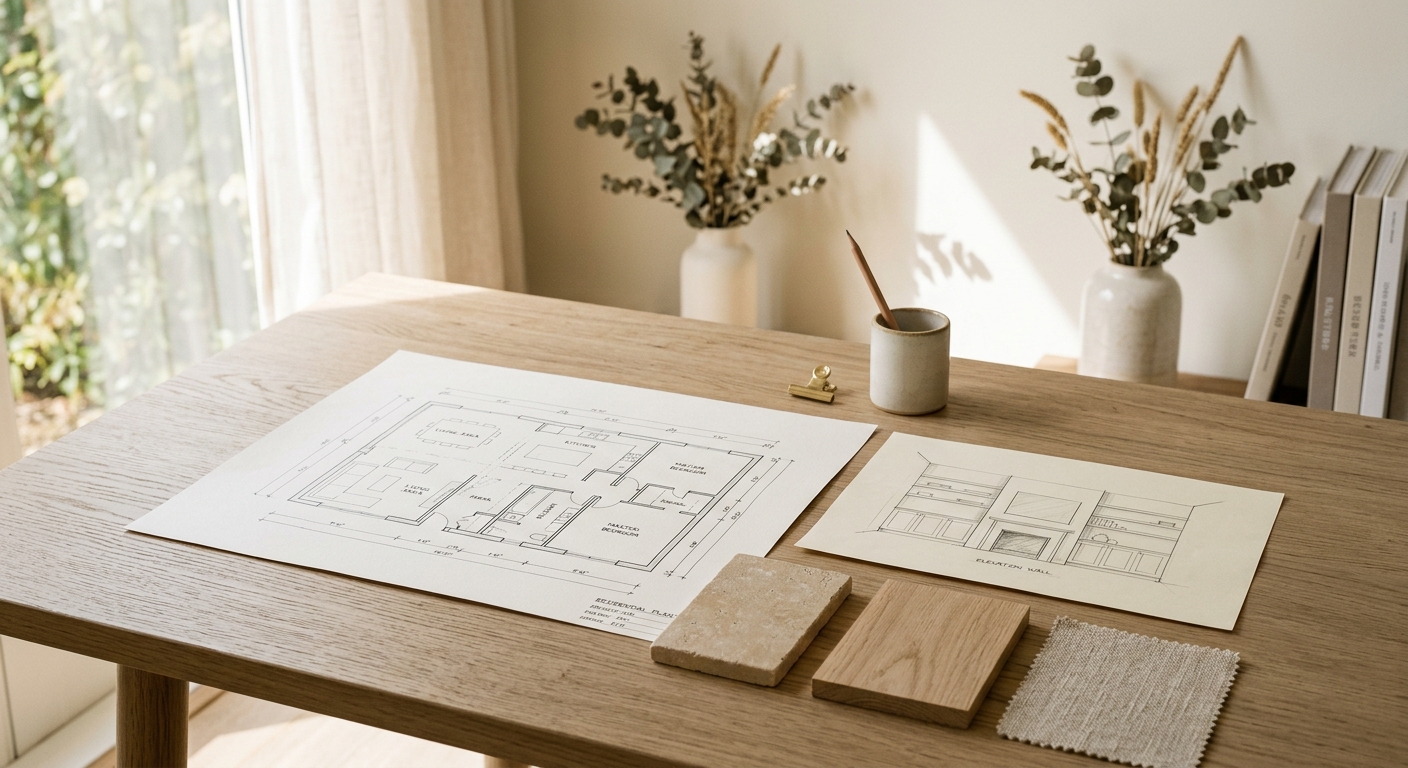
The Builder-Friendly Design Intent Package for Fast Remodel Jobs
Most remodel jobs move fast. The designer is not always on-site. The builder is pricing before drawings are final. And somewhere between the client meeting and the first framing inspection, the design intent gets lost in a thread of screenshots, voice memos, and forwarded emails.
For many small teams, the fix is not a full BIM workflow. It is a compact, readable design intent package that gives the builder what they actually need: enough clarity to price accurately, sequence correctly, and ask the right questions before work starts.
Here is what that package should include and why each piece matters.
The short version
- A design intent package sits between a full construction set and a mood board: enough clarity to price, sequence, and coordinate, without the overhead of full documentation.
- Five components cover it: a single coordinated plan, keyed elevations for decision walls, a finish direction summary, an open items log, and a decision register.
- The finish direction summary is where most packages fail. Answer the rough-in and installation questions — subfloor prep, layout direction, edge profiles, transitions — not just the visual ones.
- Keep the package alive but lean: one file, updated at decision points, revision date always marked, nothing the builder does not need.
- A compact package produced in a fraction of the time of a full set is usually what catches expensive surprises early — in pricing, not in the field.
What a Design Intent Package Is Not
It is not a full construction document set. It does not carry every detail, every specification, or every code note. Depending on the project, permitted work, engineering input, and trade-specific documentation may still be required separately.
It is also not a mood board or a client presentation. Those are useful for alignment. They are not useful for a framing crew or a tile subcontractor trying to understand what goes where.
A design intent package sits between those two extremes. It supports pricing, coordination, and field alignment. It is not intended to stand alone as the complete documentation record for a project.
The Five Core Components
1. A Single Coordinated Plan
Start with one plan that shows the layout as it is intended to be built. It does not need to be a full architectural drawing set. It needs to show:
- Room dimensions and key clearances
- Door and window locations
- Any structural or mechanical elements that affect layout
- Furniture or fixture footprints where they drive decisions
The goal is one document the builder can hold in their hand or pull up on a tablet and understand without a phone call. If the plan requires explanation every time someone looks at it, it is not doing its job.
2. Keyed Elevations for the Decisions That Matter
Not every wall needs an elevation. The walls that do are the ones where the builder has to make a decision: where the tile stops, where the cabinet run starts, where the niche goes, how the trim wraps a window.
Key those elevations to the plan so the builder can move between them without guessing which wall is which. Label the heights that matter. Show the relationship between the floor finish and the base, or the countertop height and the upper cabinet bottom.
For many mid-size remodel scopes, four to six elevations cover the critical decisions. That is a rough rule of thumb, not a hard limit. The right number depends on the scope and where the interpretation risk actually lives.
3. A Finish Direction Summary
This is where most lightweight packages fall apart. The plan and elevations show where things go. The finish direction summary tells the builder what they are working with.
It does not need to be a full specification. It needs to answer the questions that come up during rough-in and installation:
- What is the floor finish and what is the subfloor prep requirement?
- What is the tile format and is there a pattern or layout direction?
- What is the countertop material and edge profile?
- Are there any finish transitions that need blocking or special substrate?
- What are the paint colors and sheens by room?
A simple table works well here. One row per finish category, with the product or direction in one column and any installation note in the next. It is also worth flagging anything with a long lead time, an owner-supplied item, or a potential substitution — those tend to create coordination problems if they surface late. When this summary is vague, the gaps do not stay quiet: they surface as drawing gaps that generate RFIs once the trades are on-site.
4. An Open Items Log
Every fast remodel job has things that are not decided yet. The mistake is leaving those gaps invisible.
An open items log makes the gaps explicit. It lists what is still pending, who owns the decision, and when it needs to be resolved before it affects the schedule. A builder who can see the open items can plan around them. A builder who does not know what is open will either stop and wait or make a call in the field.
For a mid-size remodel scope, a handful of open items is normal. If the list is running long, it may be worth asking whether the package is ready to hand off yet or whether a few more decisions should be resolved first.
| Item | Status | Owner | Needed by |
|---|---|---|---|
| Master bath tile selection | Pending client approval | Designer | Before tile rough-in |
| Kitchen hood model | Confirmed | Designer | Rough-in dimensions sent |
| Powder room vanity height | Open | Client | Before plumbing rough-in |
When a pending item is approaching its deadline with no resolution in sight, run it through a late-selection triage before it becomes a hold point.
5. A Decision Register
The decision register is the companion to the open items log. It records what has already been decided and when.
This matters more than most teams expect. On a fast remodel job, decisions get made in texts, site visits, and quick calls. Without a record, those decisions get relitigated. The builder thinks one thing was agreed. The designer remembers it differently. The client does not remember the conversation at all.
A simple running log with the decision, the date, and who confirmed it is enough. It does not need to be formal. It needs to exist.
Rules for Keeping the Package Lean as the Job Moves
The risk with any documentation system is that it becomes its own project. A few rules keep the design intent package from growing out of control:
- One file, not five. Keep the package in a single PDF or a single shared folder with a clear naming convention. Builders should not have to hunt for the current version.
- Update it at decision points, not continuously. Revise the package when something material changes, not every time there is a conversation.
- Mark the revision date clearly. The builder needs to know they are looking at the current version. A date in the file name or on the cover sheet is enough.
- Do not include everything. If a detail is not relevant to the builder's work, leave it out. The package should be leaner than a full drawing set by design.
What This Looks Like in Practice
A remodeler working on a kitchen and two bathrooms in a single-family home does not need a 40-sheet drawing set to get started. A practical starting point might include:
- A floor plan showing the layout, appliance locations, and any structural changes
- Four to six elevations covering the kitchen wall, the island, and the two bathroom wet walls
- A finish summary covering tile, countertops, paint, and hardware
- An open items log with a few pending selections
- A decision register with the calls that have already been made
That package can be produced in a fraction of the time a full set takes. It gives the builder enough to price, enough to sequence, and a clear path to ask the right questions before work starts — which is usually where the expensive surprises get caught or missed.
Why the Right Documentation Beats More Documentation
A readable design intent package is not about producing more documentation. It is about producing the right documentation. The goal is to reduce the interpretation risk that comes with scattered handoffs, not to add overhead to a fast-moving job.
For remodelers and builders who work regularly with small design teams, having a shared expectation of what a handoff package should include makes every project run more smoothly. For designers, producing a consistent package builds trust with the builder side and reduces the back-and-forth that eats into project time.
Creo's contractor partnership model is built around exactly this kind of coordination: helping design teams produce the documentation builders actually need, without requiring a full BIM workflow or a large in-house production staff to get there.
Questions designers ask
How detailed should the single coordinated plan be?
Detailed enough to price and sequence: room dimensions, key clearances, door and window locations, structural or mechanical elements that affect layout, and fixture footprints where they drive decisions. It does not need to be a full architectural drawing set — it needs to be readable without a phone call.
What if the builder asks for a full construction set anyway?
Treat it as useful information, not a failure of the package. Either the package is missing clarity somewhere, or the job's complexity genuinely warrants full documentation. Have that conversation before producing more drawings — the answer determines scope, fee, and who does the work.
Who keeps the package current as decisions change?
The designer, at decision points — not continuously. Every update gets a marked revision date so the field always knows whether they are looking at the current version.
Can the same package work for pricing and construction?
On fast remodel jobs, yes — that is the point. The lean package that supports accurate pricing becomes the field reference. The open items log and decision register get updated as the job moves; the package stays alive instead of going stale the week after handoff.
How do you stop the package from getting lost in an email thread?
One file, one shared folder, a clear naming convention — and the revision date in the file name. If the builder has to hunt for the current version, the package is not doing its job.
Ready to work with a studio that moves at your pace?
Get In Touch